
What Is a Garfield County Court Docket
A docket is a dated index of case events. Think of it as a timeline. Every Garfield County court docket lists the filings, motions, hearings, orders, and payments in a case, each stamped with the date it happened. The newest entries usually sit at the bottom. A docket does not reprint the documents themselves. It points to them and shows when each one arrived.
The docket differs from the full case file. The full file holds the actual pleadings, exhibits, and signed orders. The docket is the map to that file. For Garfield County District Court cases, the docket is what you read first online, and the full documents follow when the court scans and posts them. Older probate and civil cases are still being added, so the county's online coverage keeps growing.
Hearing entries matter most to people tracking a live case. The docket lists the date, the type of hearing, and the judge or courtroom when the court enters it. New filings appear as the clerk processes them, so a busy case can change from week to week. Checking the docket before a court date confirms the time and the place. It also flags any continuance that moved a setting.
How to Find Garfield County Dockets Online
Garfield County dockets are searched through the Oklahoma State Courts Network. The Court Clerk links directly to it, and the system carries District Court cases for the county. The OSCN docket index is the entry point. From there you pick the county and run a name or case-number search. The same screen serves civil, criminal, family, probate, small claims, and district traffic dockets.
The OSCN docket index, hosted on the state courts network, is the front door for every Garfield County court docket search.
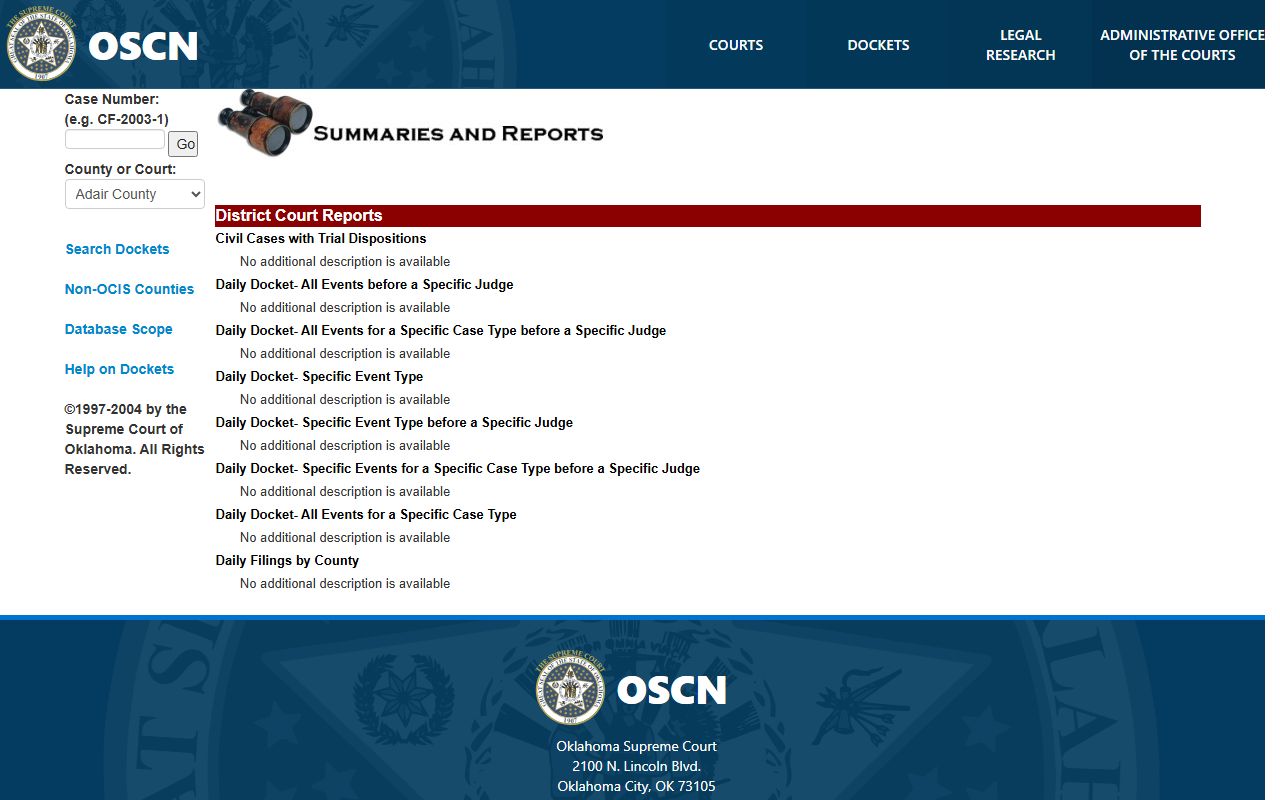
From that page you can move into the county results and open any public case. The steps below cover a basic search.
- Open the OSCN docket index.
- Pick Garfield County, or jump straight to the Garfield County docket results route.
- Type a case number when you know it, or a party last name and first name when you do not.
- Review the result list and open the case you want.
- Read the docket entries from the filing date down to the latest event.
Garfield County Docket Search Fields
The docket search uses a short set of fields. You do not need all of them. One good identifier finds most Garfield County dockets. The fields below mirror the OSCN search screen.
| Field Label | Type | Required | Notes / Format |
|---|---|---|---|
| Database / County | Dropdown | Yes | Select Garfield County, or use the Garfield County results route. |
| Case Number | Text | No | Carries a type prefix such as CF, CM, CV, FD, PB, or SC plus year and sequence. |
| Party Last Name | Text | No | The main field for a name search. |
| Party First Name | Text | No | Narrows results when a surname is common. |
| Date Filed / Range | Date | No | Availability depends on the OSCN screen state. |
| Search | Button | Yes | Runs the query against the selected county. |
Case Number Prefixes on Garfield County Dockets
Oklahoma case numbers start with a letter prefix. The prefix tells you the case type before you open a single entry. A Garfield County docket number reads as the prefix, the year, and a sequence number. Knowing the codes lets you spot the right case in a crowded result list.
- CF
- Felony criminal case.
- CM
- Misdemeanor criminal case.
- CV
- General civil case.
- SC
- Small claims case, capped at $10,000.
- FD
- Family and divorce case.
- PB
- Probate case for estates and guardianships.
- TR
- Traffic case filed at the district level.
- PO
- Protective order filed as a district case.
Sample Garfield County Docket Entry
Each line on a Garfield County docket follows the same shape. It carries a date, a short description of the event, and often a link to the filed document. Reading one entry at a time builds the full story of the case. The table breaks down the fields you will see.
| Field | What It Shows |
|---|---|
| Entry Date | The date the filing, order, or hearing was recorded. |
| Event Type | The kind of action, such as a motion, order, plea, hearing notice, or payment. |
| Party / Filer | Which side filed the document, or who the entry concerns. |
| Description | The clerk's text describing the event or ruling. |
| Document Link | A link to the scanned document when the court has posted it. |
| Amount | Any fee, fine, cost, or payment tied to the entry. |
Courts and Judges Behind Garfield County Dockets
Garfield County dockets come out of the District Court, the county's general-jurisdiction trial court. Several judges share the caseload. District judges, an associate district judge, and a special judge each handle assigned dockets at the courthouse in Enid. The Court Clerk maintains the record for all of them.
Not every court posts its dockets to OSCN. City cases are the main gap. Enid Municipal Court handles city ordinance and traffic matters, and those dockets are not part of the county OSCN search. For a city ticket, you check the municipal court directly. The judges below sit at the Garfield County Courthouse.
- District Judge Paul K. Woodward, Garfield County Courthouse in Enid.
- District Judge Jason Seigars, Garfield County Courthouse in Enid.
- Associate District Judge Sean K. Hill, Garfield County Courthouse in Enid.
- Special Judge Blake A. Gibson, Garfield County Courthouse in Enid.
- Court Clerk Shellie Kraft, who keeps the District Court record.
Note: A municipal docket from Enid will not appear in the county OSCN results, so city tickets must be checked through the city court instead.
Criminal vs Civil Docket Entries
Criminal and civil dockets read differently. A criminal docket opens with the State as the plaintiff and the defendant named opposite. Its entries track the charges, the arraignment, bond, pleas, hearings, and the final judgment and sentence. A civil docket names a private plaintiff and defendant, or a petitioner and respondent, and follows the suit from petition to judgment.
Small claims and civil filing practice rest on Oklahoma's civil statutes. Those rules shape what each civil docket entry means and how a case must move.
Oklahoma's civil and small-claims statutes, posted on the state courts site, govern the entries you see on a civil Garfield County court docket.
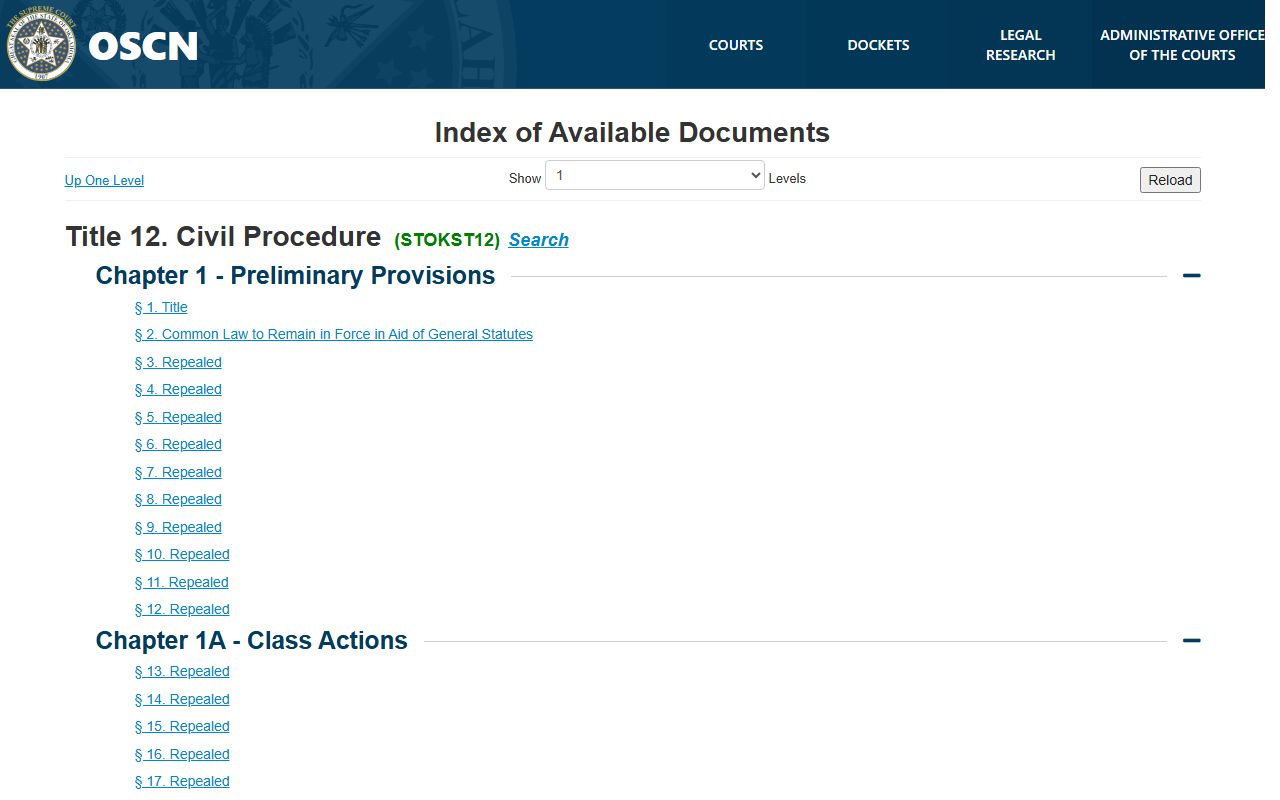
Title 12 covers civil procedure and the small-claims process used for disputes up to $10,000. For the full criminal file behind a CF or CM docket, the Garfield County criminal court records page goes deeper into charges and sentencing.
Docket vs. Full Case Record
A docket and a full case record are not the same thing. The docket is the index. The full record is the stack of documents behind it. Most readers only need the docket to track a case, but a legal filing or an appeal needs the actual papers.
Certified copies are the bridge between the two. OSCN shows the docket and many documents for free, but a court-certified copy comes from the Court Clerk for a small fee. The comparison below sums up the difference.
| Docket | Full Case Record | |
|---|---|---|
| Format | List of dated entries | Full pleadings, exhibits, and orders |
| Access | Online and free through OSCN | Certified copy from the Court Clerk for a fee |
| Use | Track case progress and hearings | Legal filings, appeals, and official proof |
Note: An online docket view is convenient, but only a Court Clerk certified copy is accepted as an official record in legal proceedings.
Reading and Confidential Garfield County Dockets
Docket text is full of shorthand. Common entries include a motion, an order, a continuance, a disposition, and a judgment. A disposition shows how a case or a charge ended. A continuance means a hearing was moved. Reading the entries in order makes the case timeline clear.
The county keeps expanding what sits online. The Court Clerk has been scanning older probate and civil dockets and uploading them to OSCN. A case from years back may now be searchable when it once required a counter visit. Newer cases are online from the start, while the oldest files arrive in batches as staff work through them.
Some dockets stay closed. Juvenile cases are confidential under Oklahoma law and do not appear as ordinary public dockets. Sealed, adoption, and mental-health cases are restricted too. Even on an open docket, personal identifiers such as Social Security numbers and minor names may be redacted.
Oklahoma's juvenile confidentiality statute, hosted on the state courts network, explains why a juvenile Garfield County court docket stays private.
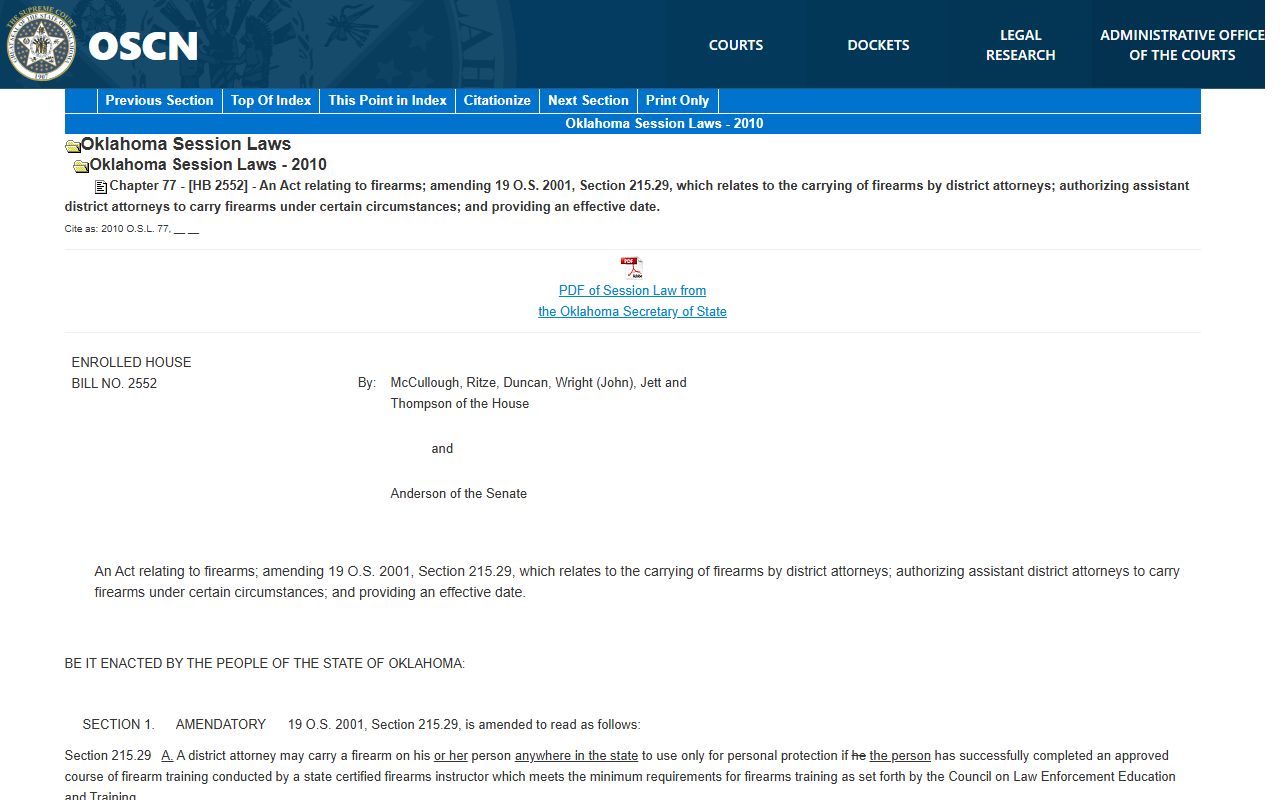
It limits access to the people the law authorizes, which keeps minors' cases out of the public search. For the underlying documents on an open case, certified copies and older scanned files come through the Court Clerk, and the broader record set sits on the Garfield County court records page.